> ## Documentation Index
> Fetch the complete documentation index at: https://docs.larafast.com/llms.txt
> Use this file to discover all available pages before exploring further.
# Categories
> How to manage Categories in Larafast Directories Project
Directories project has a 2 ways to manage categories.
### From Seeder Files
For initial setup, you can add categories in `database/seeders/CategorySeeder.php` file and run the seeder to add them to the database.
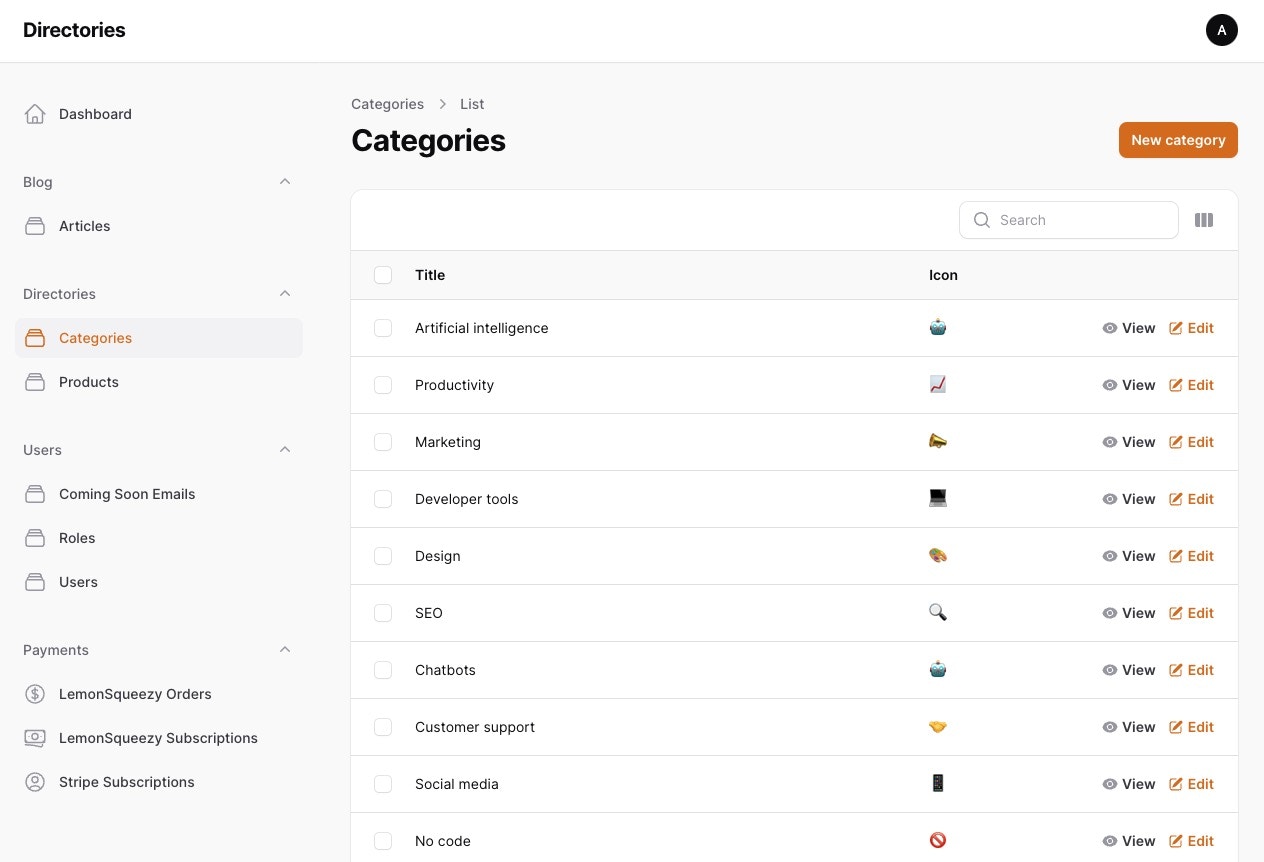
If you already run `php artisan migrate --seed` command, you can manage categories from the admin panel.
If you want to refresh the categories, you can run `php artisan migrate:fresh --seed`
This command will reset the database and add the categories from the seeder file.
```php database/seeders/CategorySeeder.php theme={null}
'🤖', 'title' => 'Artificial intelligence'],
['icon' => '📈', 'title' => 'Productivity'],
['icon' => '📣', 'title' => 'Marketing'],
['icon' => '💻', 'title' => 'Developer tools'],
['icon' => '🎨', 'title' => 'Design'],
['icon' => '🔍', 'title' => 'SEO'],
...
];
foreach ($categories as $category) {
\App\Models\Category::create($category);
}
}
}
```
### From Admin Panel
In the admin panel `/admin/categories` you can manage categories. You can add, edit, delete, and add new categories from the admin panel.